
GuestSimulated demo
Table 08
Pizza preparing
Track items and the bill from the table.
Drink served
A menu with photos and video, orders routed to the right people and a clear view of the dining room in one experience.
In local validation: menu, service and orders. Reports and groups are planned.
Explore the flavor and price, then choose it to build your order.
Guests discover the pizza in a vertical presentation, like in the app.

Choose size, dough, crust and a drink in one focused sheet.
The bottom sheet appears only after the flavor is selected.
The pizza is in the kitchen. The drink is waiting for a waiter.
Each item advances independently while the table stays informed.
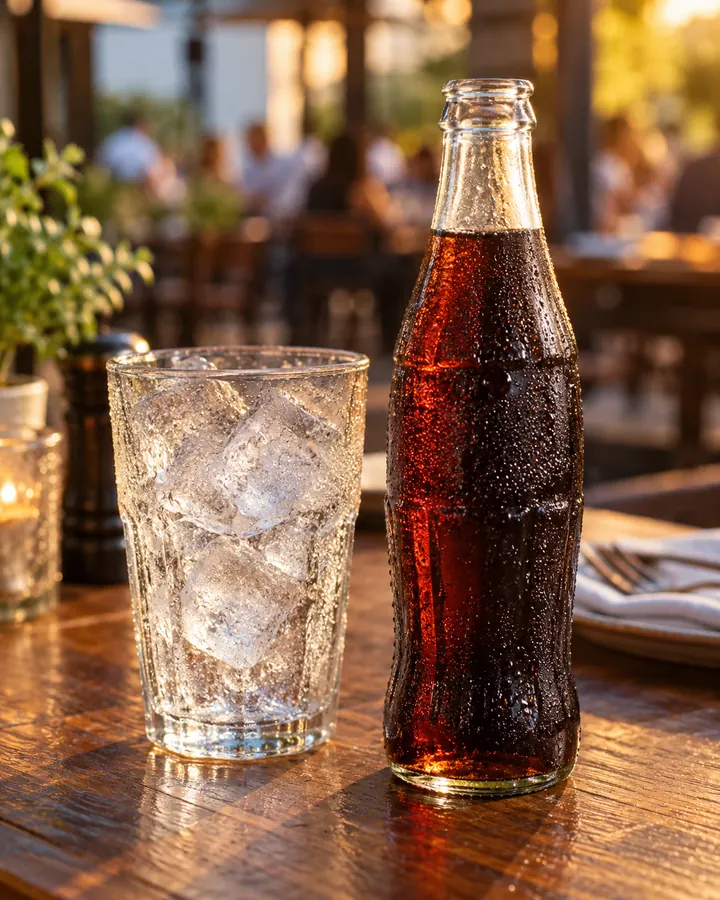
A house suggestion appears without interrupting the active order.
The restaurant can present complements without hiding the order status.
Review items, prices and the total before asking for the bill.
The bill includes only what reached the table.
Watch items take different routes while remaining part of the same table.
Illustrative imageKitchen, bar, floor and management follow the same order with different tasks.
Track items and the bill from the table.
Accept, prepare and release kitchen items.
Additional example: only items routed to the bar reach this station. The soft drink at Table 08 goes to the waiter.
See direct-service items and claim ready deliveries.
Follow queues and coordinate the team.
TV and alerts are under validation. The initial web experience requires the page to stay open.
Return to the homepage flowProducts, media, prices and staff are maintained in dedicated screens by the unit administration.
Discover the featuresMenu, orders and service connected to the same table.
Explore the menu, set preferences, order and follow items and the bill.
In local validationEach item reaches the right team; preparation, delivery and service requests have clear owners.
In local validationStaff maintain products, prices, media, employees and tables.
In local validationDedicated TV, reconnection and optional device sound alerts.
Reports, exports and corporate management across locations.
Combine what fits today. Features still in development are labeled before contracting.
Present products, photos, video and preferences.
Organize table requests for the team.
Route items and follow preparation and delivery.
Explore operational history and indicators.
Manage locations and corporate access.
The guest experience carries your establishment’s name, logo and colors. Personalization preserves your identity without changing how you serve.
Fictional personalization example. The full visual brand editor is being developed.
The experience carries your identity.
No. The current experience opens in the phone browser. The team uses the web version; a native app is a future delivery.
QR codes and static URLs allow menu browsing. Orders and service requests require an authorized visit. Secure NFC still needs physical validation before real use.
The restaurant chooses: kitchen, bar or direct waiter service. Categories set defaults and products can override them.
Compare the suggested combinations on the plans page. A proposal confirms scope, dependencies and availability; reports and groups are still planned.
The proposal can fit your usage. Specific integrations need assessment; we do not promise automatic compatibility with every POS.
We are validating the product locally. Hosting, content, NFC and operational requirements need validation before serving real customers.
Choose the combination closest to your operation and request a no-obligation proposal.